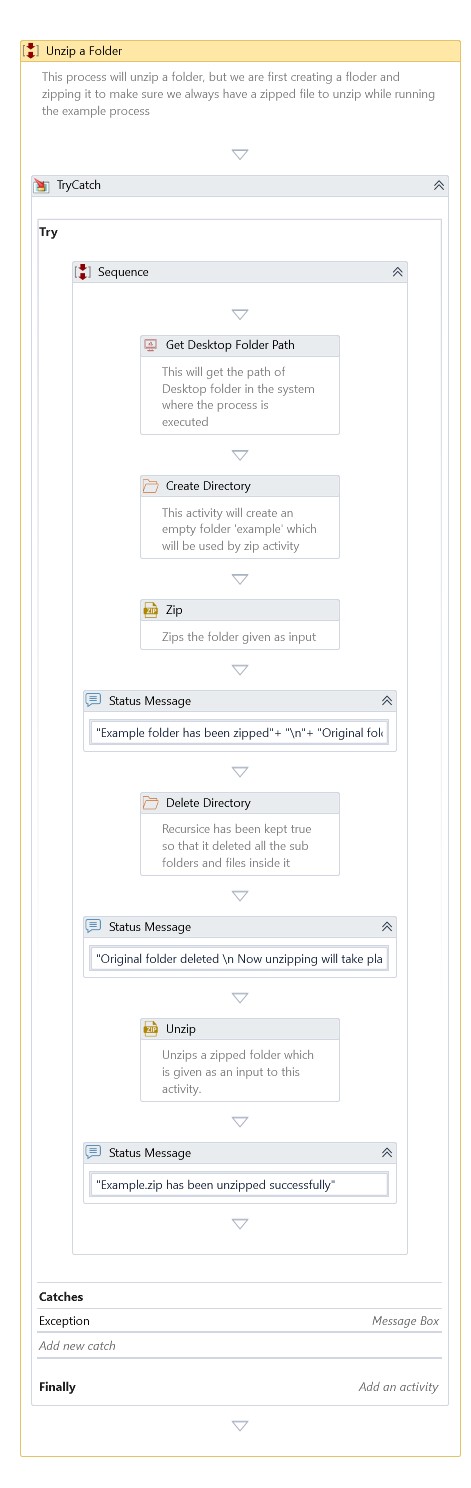
Unzip
Description
Extract the files from a single zipped file, including passwords, to a specific folder.
Properties
Input
- Archive File Name – Specify the actual path to extract the archived file.
- Destination Directory – Specify the path of the destination folder to place the extracted file.
- Password– Provide password if archive file to be protected.
Misc
- DisplayName – Add a display name to your activity.
- Private – By default, activity will log the values of your properties inside your workflow. If private is selected, then it stops logging.
Optional
- Continue On Error – It Specifies whether the automation should continue even the current activity fails. This field only supports Boolean values (True, False). The default value is False.
Note: If this activity presents inside Try Catch and the value of this property is True, it will ignore errors during the execution of automation.
Example
Use this activity to unzip and extract data to specified folder

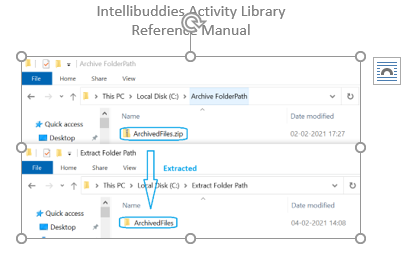
The zip file content extracted to destination directory path:
Download Example