Command Line Interface
IntelliAppZ Designer supports a command line interface for user interaction. You can perform the following actions using the command line interface.
tip
Add the installation folder of IntelliAppZ Designer to the PATH environment folder so that you can execute IntelliAppZ Designer from anywhere.
Commands Help
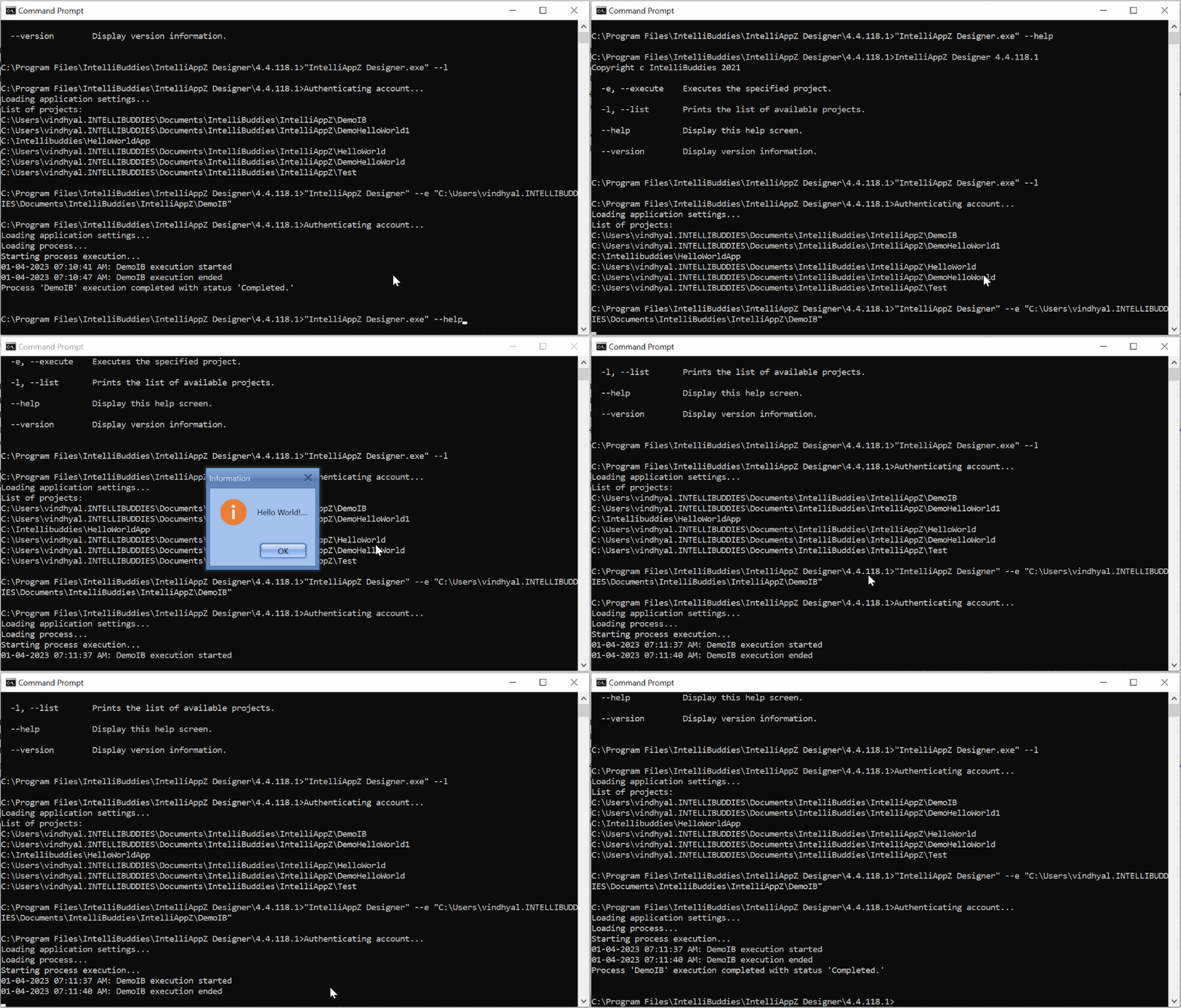
You can get help regarding the commands supported by running the following command inside Command Prompt.
"IntelliAppZ Designer.exe" --help
Listing of processes
To list down all the processes available locally for execution, run the following command:
"IntelliAppZ Designer.exe" --l
Executing a process
To execute a specific process, use the following command
"IntelliAppZ Designer.exe" --e "<Process Path>"
tip
"IntelliAppZ Designer.exe" --e "C:\Users\ibdemouser\Documents\IntelliBuddies\Processes\IBDemo Process"