Set EVar
Description
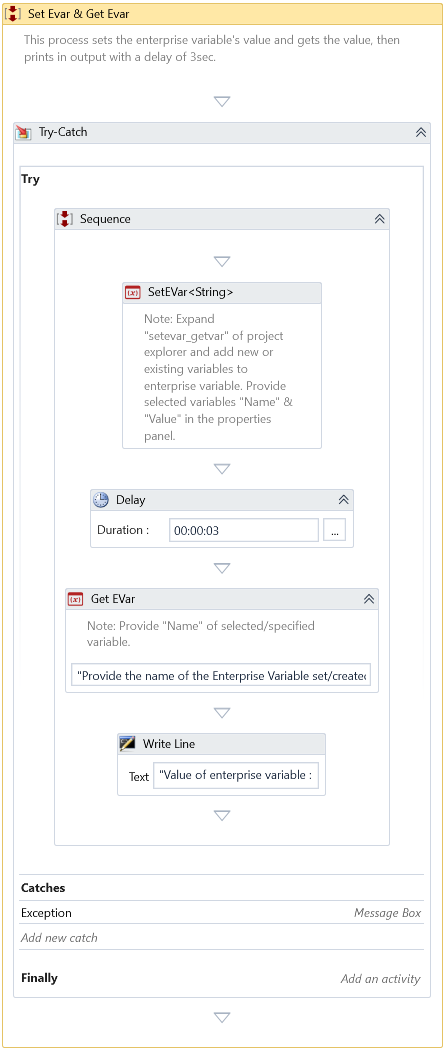
This Activity sets the Value of the specified Enterprise Variable.
Properties
Input
- Name – Specify the Name of the enterprise variable that needs to be updated.
- Value – Specify the Value to set for the enterprise variable.
Misc
- DisplayName – Add a display name to your Activity.
- Private – By default, Activity will log the values of your properties inside your workflow. If private is selected, then it stops logging.
Optional
- Continue On Error – It Specifies whether the automation should continue even when the Activity throws an error. If True, the Activity continues without throwing any exceptions. If False, the Activity throws an exception. The default value is False.
note
Catches no error if this Activity is present inside the Try-Catch block and the Value of this property is True.
Example
Download Example