User Interface
Overview
The Knowledge Ingestion Service user interface allows users to configure, manage, and monitor knowledge ingestion for Conversational Agents.
Knowledge ingestion in IB-X is Agent-specific. Each Agent maintains its own isolated knowledge sources, ingestion runs, and semantic retrieval context.
The ingestion experience is launched directly from within the Agent Builder.
To access the ingestion interface:
- Open the required Agent in the Designer
- Click the Ingestions button available in the designer canvas
The Ingestions dialog displays all knowledge sources configured for the current Agent.
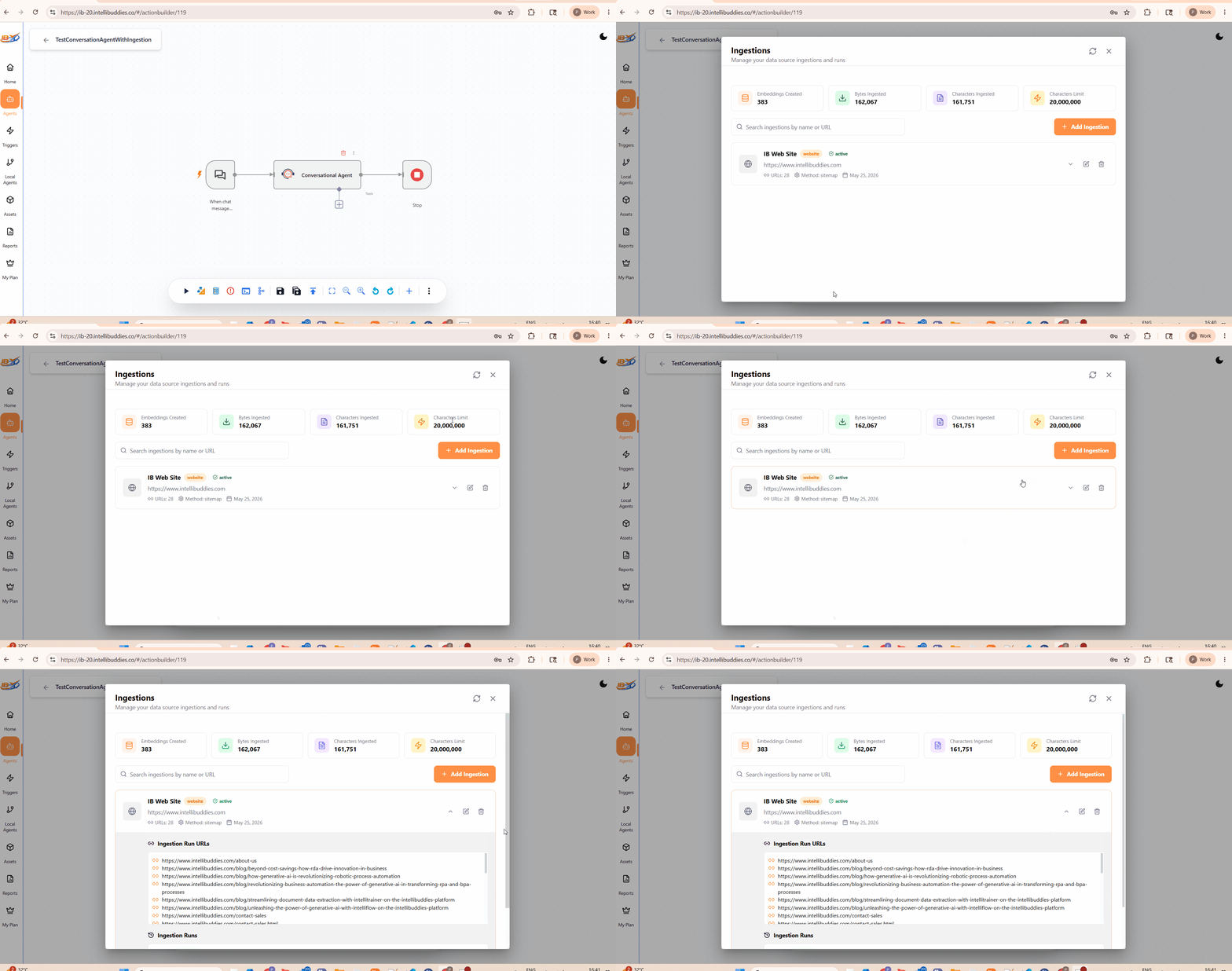
Ingestions Screen
The Ingestions screen acts as the operational dashboard for managing Agent knowledge sources and ingestion runs.
The screen provides:
- Platform-wide ingestion metrics
- Configured knowledge sources
- Ingestion run monitoring
- Search capability
- Knowledge source management actions
Ingestion Metrics
The top section of the Ingestions screen displays ingestion usage metrics for the environment.
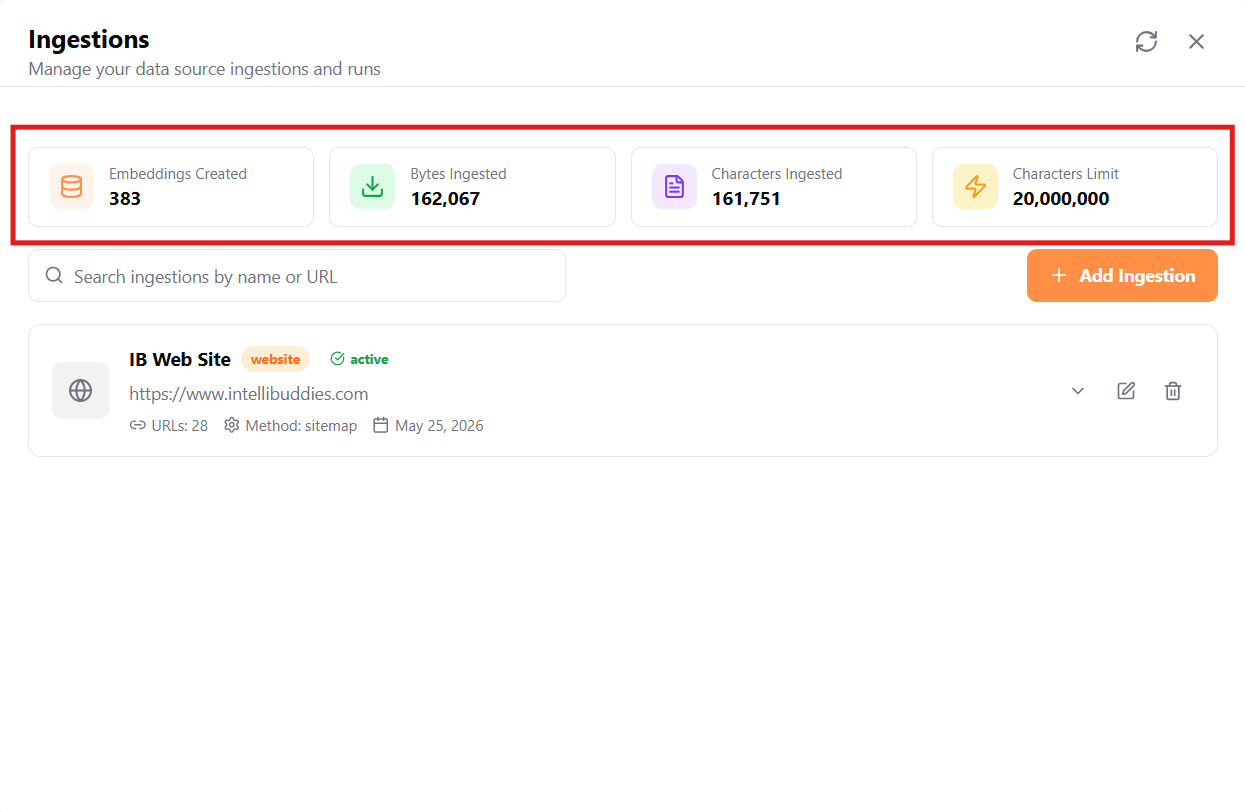
These metrics represent cumulative ingestion usage across all Agents within the environment.
| Metric | Description |
|---|---|
| Embeddings Created | Total semantic embeddings generated across all Agent ingestions |
| Bytes Ingested | Total bytes processed during ingestion operations |
| Characters Ingested | Total characters processed for semantic indexing |
| Characters Limit | Maximum ingestion quota available under the current subscription license |
Although knowledge ingestion is configured at the Agent level, the ingestion metrics displayed in the dashboard represent cumulative platform-wide totals.
The Characters Limit is controlled through the subscription license using the DATA_INGESTION_LIMIT entitlement.
Initially, the ingestion metrics may display zero values until ingestion operations are performed.
Search
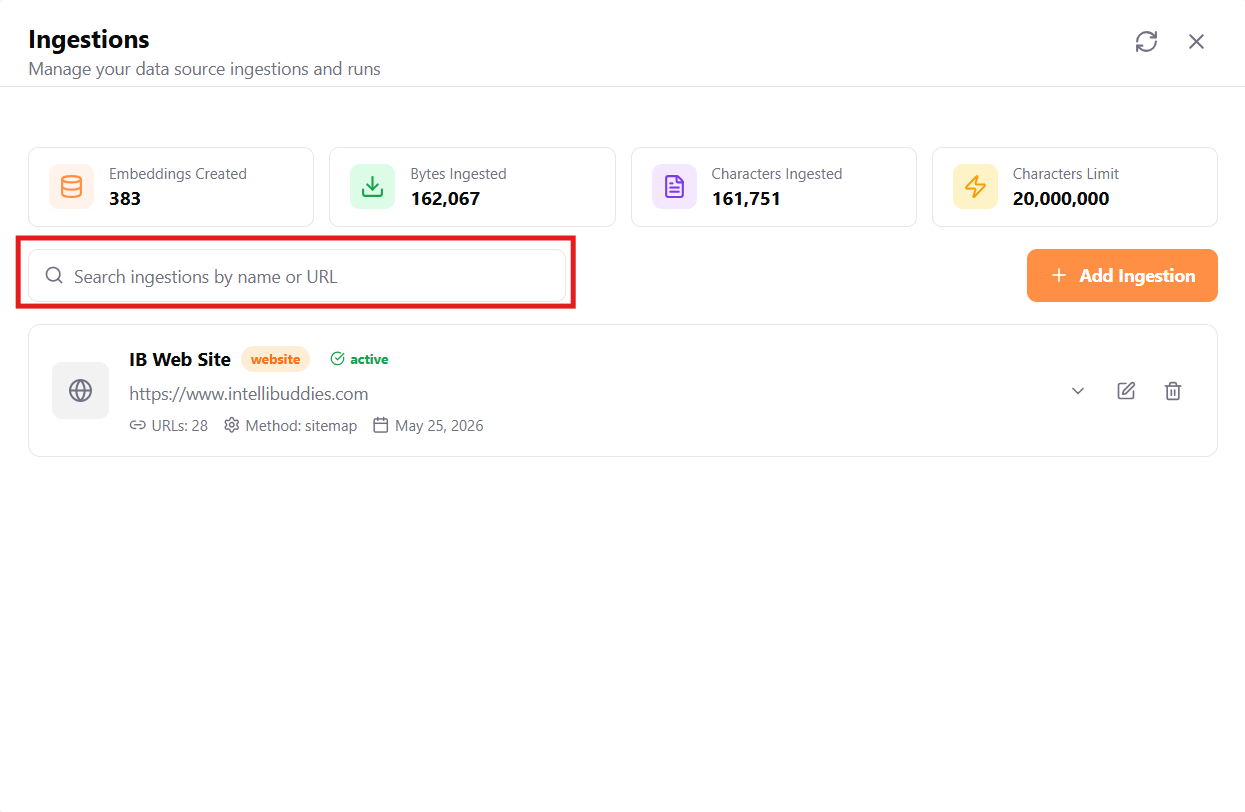
The Search box allows users to quickly locate ingestion sources by:
- Source name
- Website URL
Add Ingestion
Click Add Ingestion to configure a new knowledge source for the current Agent.
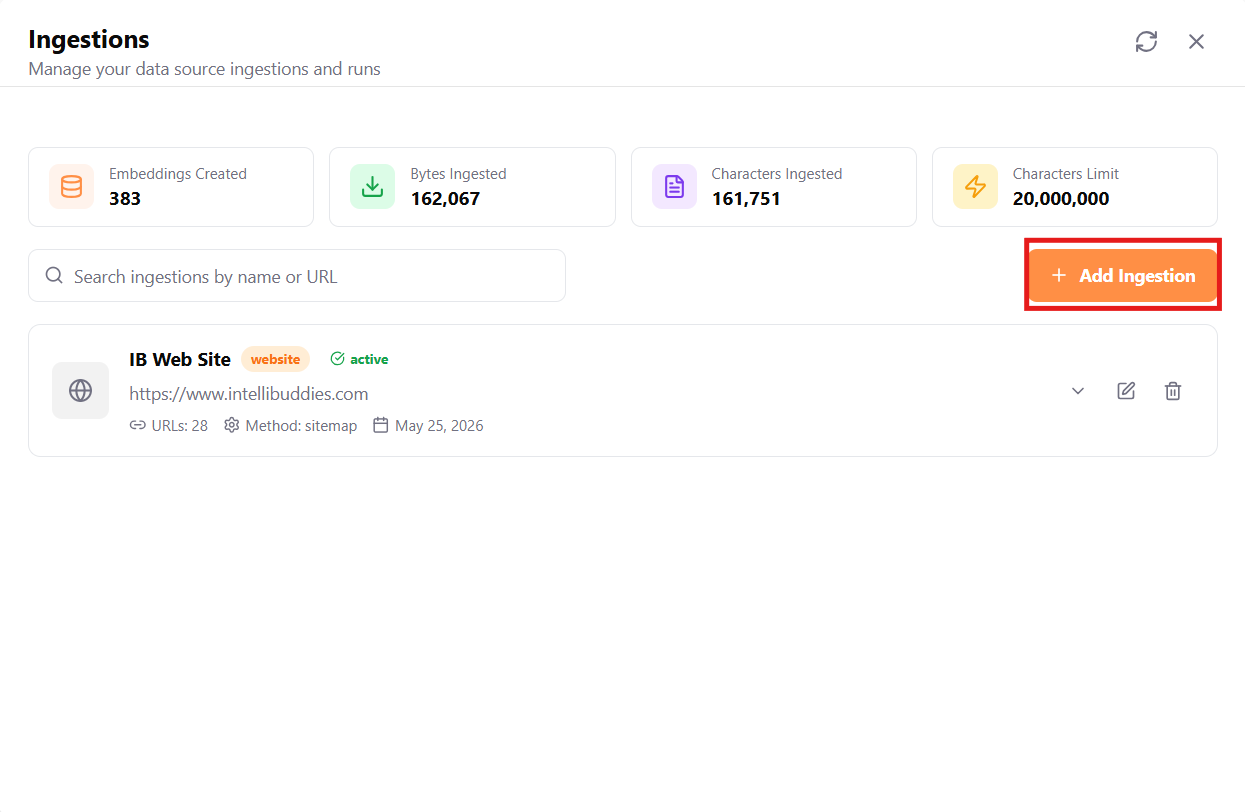
The Knowledge Base Configuration wizard is displayed.
Knowledge configured through this workflow is available only to the current Agent.
Once the ingestion configuration is processed successfully, the configured source appears in the Ingestions dashboard as an Ingestion Source Card.
Ingestion Source Cards
After an ingestion source is processed successfully, it is displayed as a card in the Ingestions dashboard.
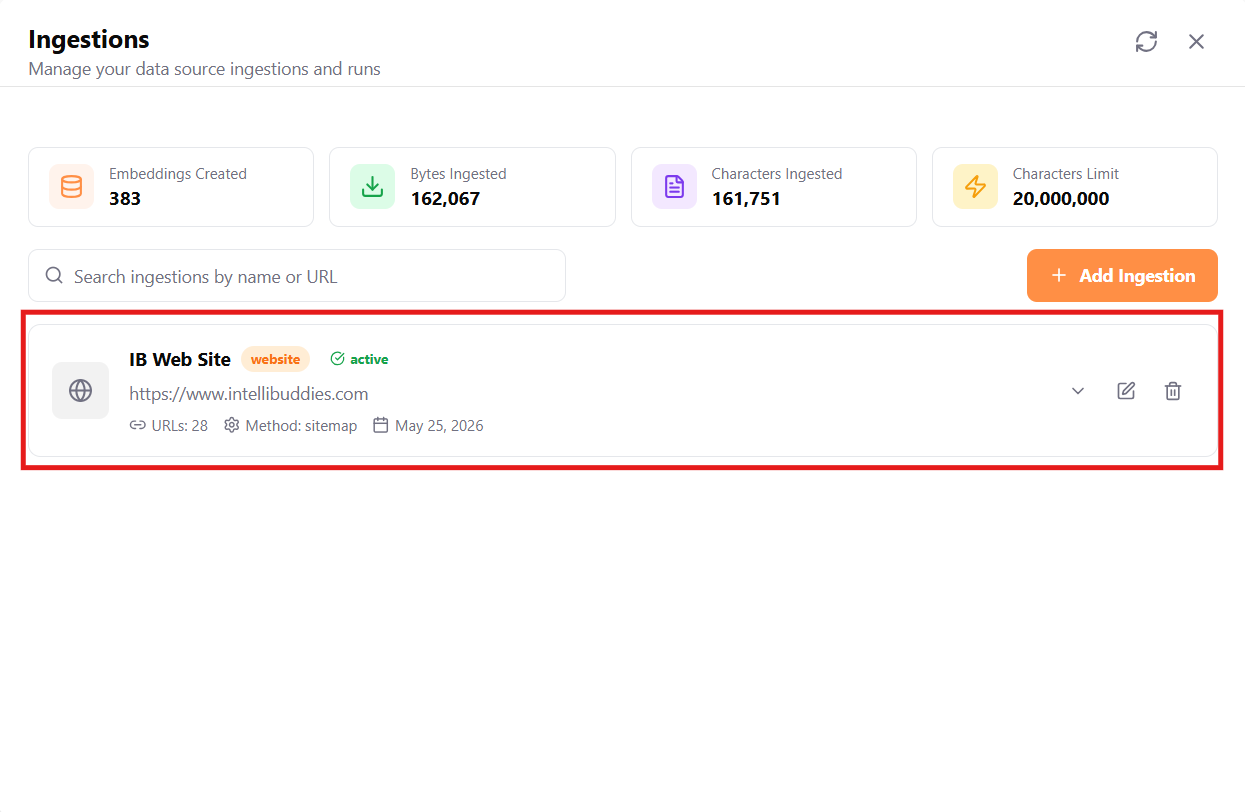
These cards act as the operational management interface for previously configured ingestion sources.
Each card contains operational details and management actions for the ingestion source.
Typical information displayed includes:
| Property | Description |
|---|---|
| Source Name | Name of the configured knowledge source |
| Source Type | Type of ingestion source such as website, file upload, or video |
| Status | Current ingestion state |
| Website URL | Configured source URL for website-based ingestion |
| URL Count | Number of discovered or selected URLs |
| Method | Discovery method such as sitemap |
| Created Date | Date the ingestion source was created |
The card also provides actions for:
- Expand ingestion details
- View ingestion runs
- Edit ingestion configuration
- Delete ingestion source
Users can use these cards to manage, update, monitor, or remove existing ingestion configurations.
Ingestion Source Configuration Wizard
The Knowledge Base Configuration wizard guides users through the process of configuring knowledge sources for the current Agent.
The wizard dynamically adapts based on the selected source type and provides a guided ingestion experience for configuring:
- Source details
- Content extraction settings
- Semantic collections
- Website structure selection
- Processing configuration
- Ingestion review
The wizard currently supports:
| Source Type | Description |
|---|---|
| Website URL | Crawl and ingest website content |
| File Upload | Upload and process supported files |