Applications
Overview
The Applications tab provides access to Business Process Automation (BPA) workflows that are initiated through user-facing forms.
An Application represents a BPA workflow configured with a form using the Start Task activity.
Applications enable:
- Form-based process initiation
- User-driven workflow execution
- Structured input collection
- Controlled submission and tracking
Submitting an application form triggers execution of the associated BPA workflow.
How to Access
From the AI Command Center, navigate to: Home → Applications
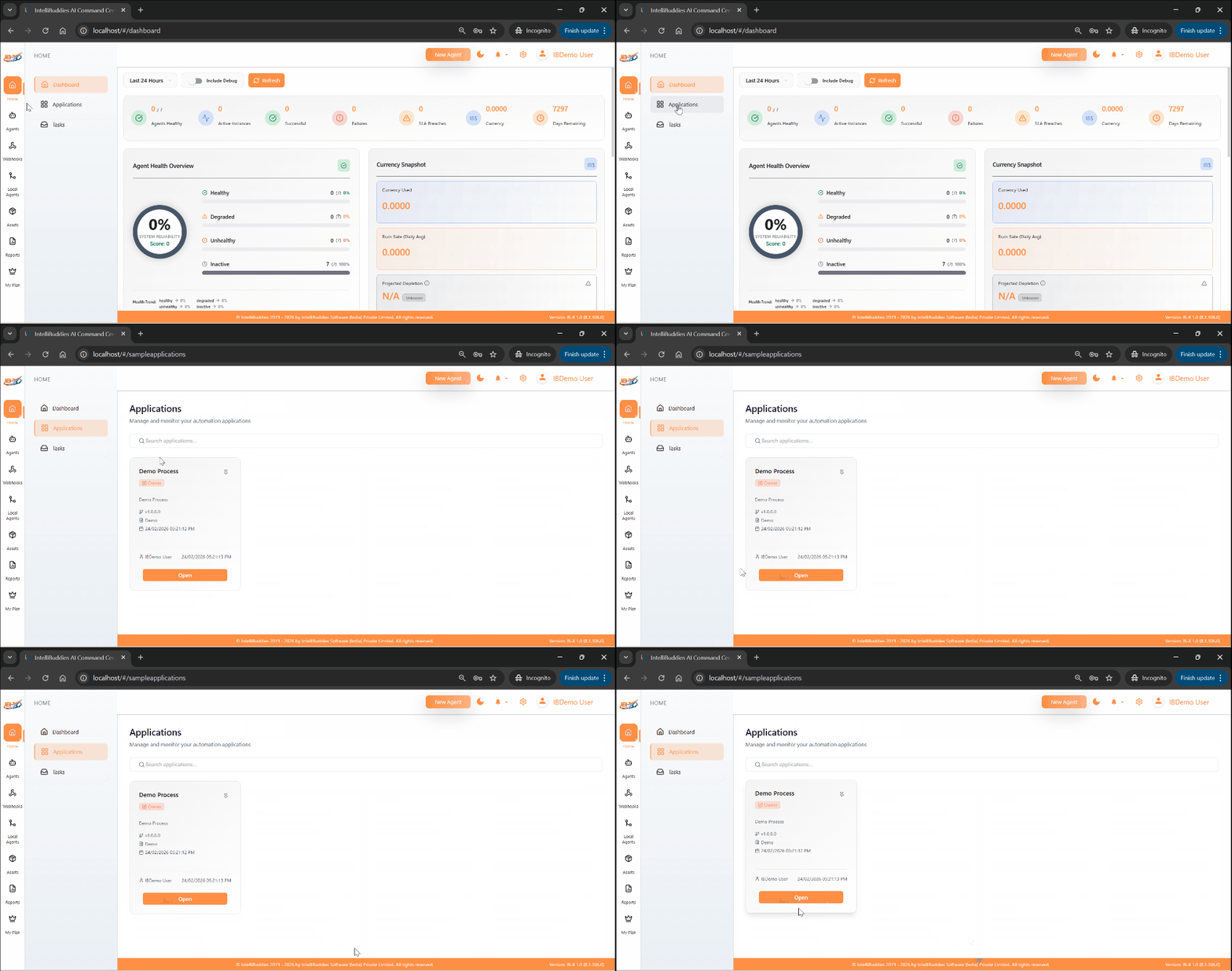
Applications View
The Applications tab displays available applications in a tile-based layout.
Each tile represents a BPA process configured with a Start Task form.
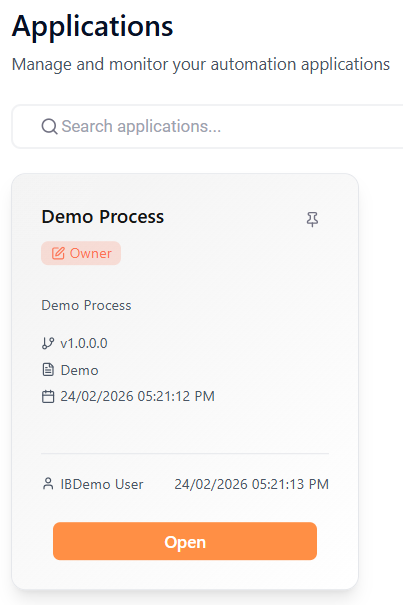
Tile Information
| Element | Description |
|---|---|
| Application Name | Name of the BPA application. |
| Description | Summary of the application purpose (if configured). |
| Ownership/Sharing | Indicates whether the application is owned by you or shared with you. |
Launching an Application
To start a BPA process:
- Open the Applications tab.
- Click the required application tile.
- The application form opens in a new browser tab.
- Fill in the required form fields.
- Click Submit.
Submitting the form initiates the corresponding BPA workflow.
Access Control
Applications displayed on this page include:
- Applications owned by the logged-in user
- Applications shared with the user
Access is governed by role-based permissions and process-level sharing settings configured in the AI Command Center.
Applications provide a simplified, form-driven interface for triggering BPA workflows within the AI Command Center.