Setting Up the AI Command Center
Overview
This guide walks you through the initial setup of the AI Command Center after installation.
When the AI Command Center is launched for the first time, the setup wizard is automatically displayed to help you configure the required system settings.
Launching the AI Command Center for the first time displays the following welcome screen:
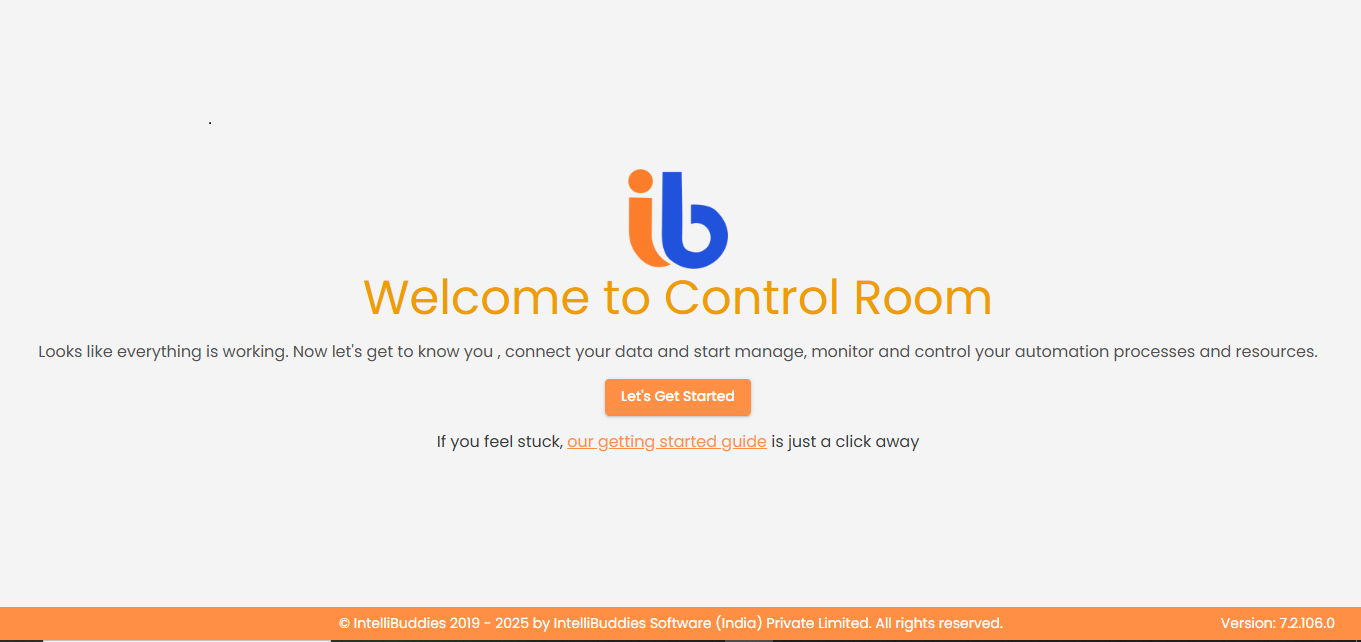
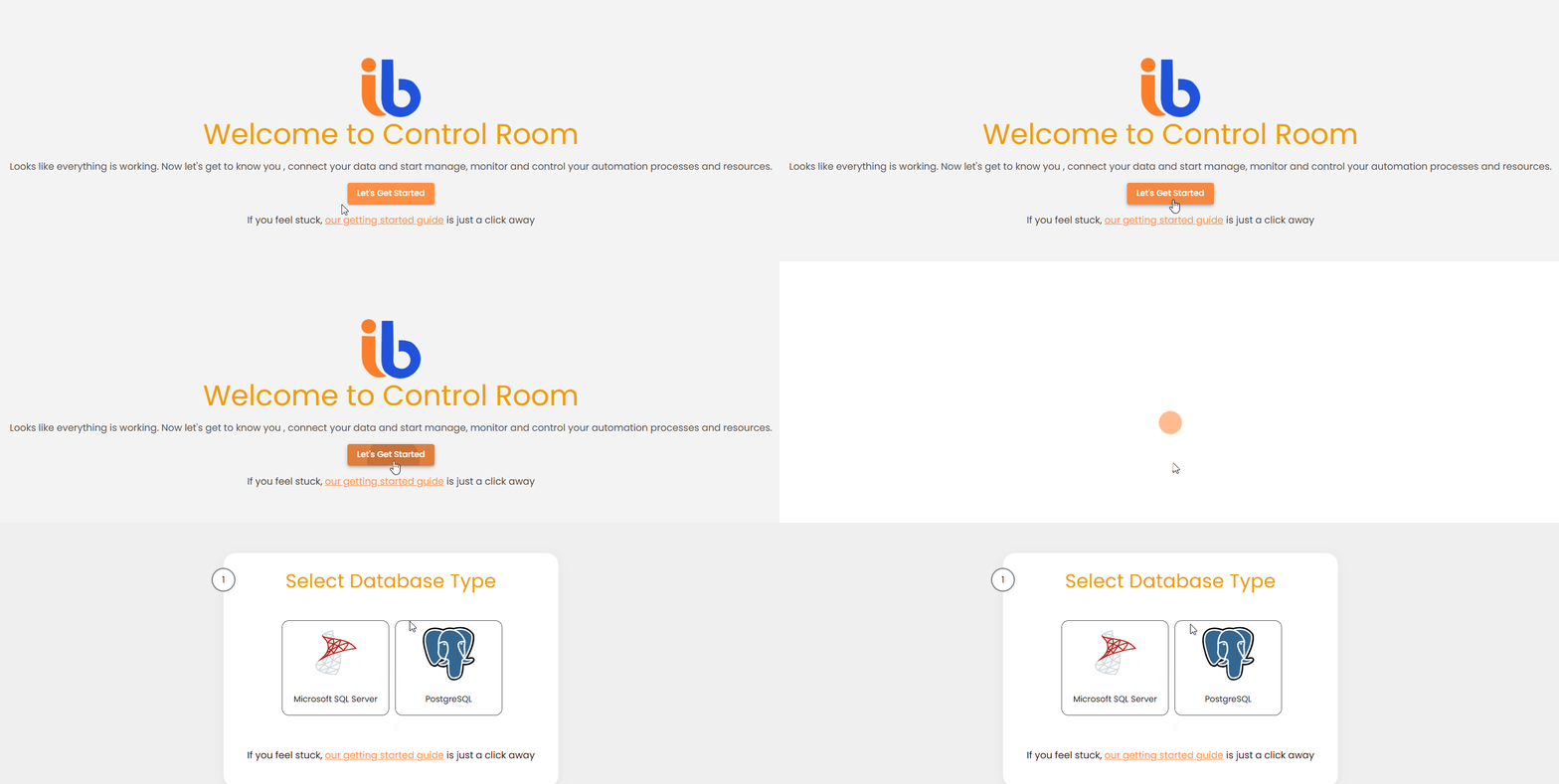
Click Let’s get started to begin the setup process.
Configuration Steps
The AI Command Center setup process consists of the following steps:
Database Selection
Select the database type that the AI Command Center will use.
Database Configuration
Configure the connection details for the selected database.
- If the specified database already exists and is valid, no additional database setup is required.
- If the database does not exist, the setup process will continue with the remaining configuration steps.
Super Admin Configuration
Configure the Super Administrator, who serves as the highest administrative authority within the AI Command Center.
AI Command Center Admin Configuration
Optionally configure a separate AI Command Center Administrator. You may reuse the Super Administrator credentials or create a dedicated administrator account.
SMTP Settings (Optional)
Configure SMTP settings for sending system-generated email notifications.
Regional Settings (Optional)
Configure regional preferences such as date format, time zone, and locale. Default values are applied if no changes are made.
The setup wizard is displayed only once, when the AI Command Center is launched for the first time and before the system is configured.